Embroidery digitizing, automated
Your logo or artwork,
ready to stitch.
Upload a logo, badge, mascot or any flat-colour artwork, choose the size, and get machine-ready PES, DST, JEF, EXP and VP3 files in seconds, with a realistic stitch preview, a thread colour key and a list of every change we made.
- Free preview, no account
- Files from $2.90
- Brother · Janome · Bernina · Tajima
Your artwork
.pes
Brother, Baby Lock
.dst
Tajima & most commercial machines
.jef
Janome
.exp
Melco, Bernina
.vp3
Husqvarna Viking, Pfaff
✓ Stitches beautifully
- Logos
 Badges & patches
 Mascots & cartoons
 Lettering
Flat colours and clear edges, ideally an SVG or a sharp PNG. Clip art and icons work too.
✕ Not a good fit
- Photos of people, pets or places
- Watercolour & painterly art
- 3D renders & heavy gradients
- Tiny text and hairline detail
Thread can't blend colours like pixels. We'll tell you before you upload.
See it before you sew it
Artwork in, stitches out
Every preview is drawn from the real machine file, stitch by stitch — so what you see is what your machine sews.
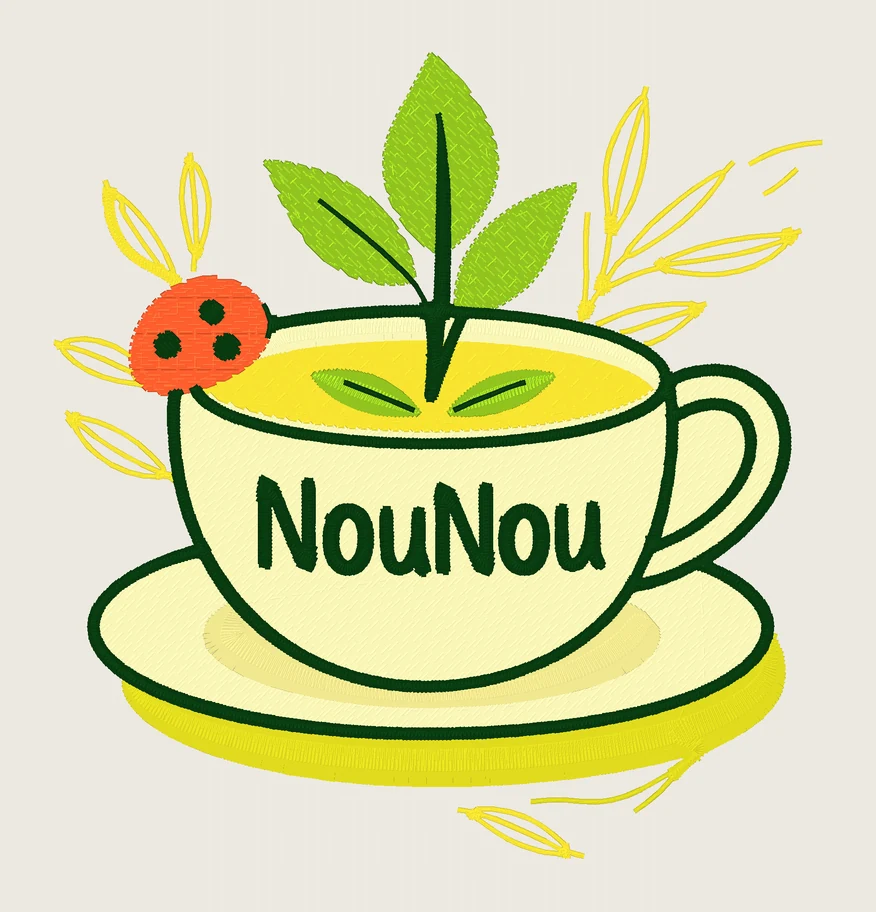
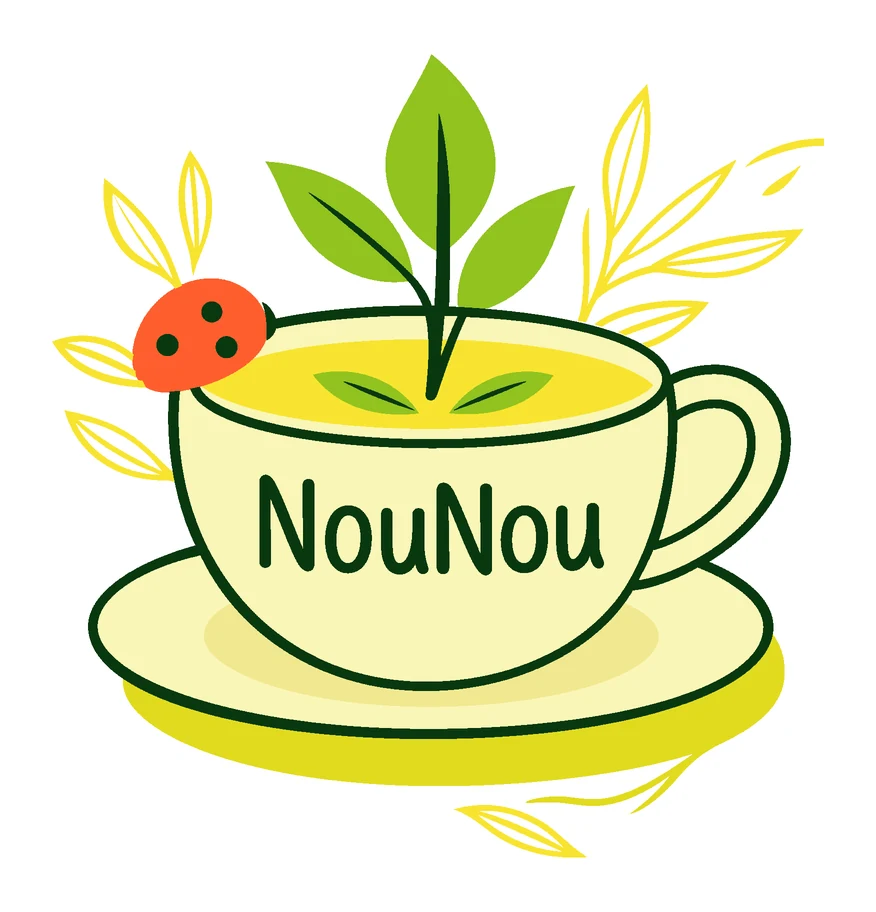
- Stitches
- 10,503
- Colours
- 8
- Size
- 85.4 × 89.4 mm
- Sew time
- ~23 min
Threads
Drag the handle to compare the artwork with the stitch simulation. Previews are rendered stitch by stitch from the actual machine file.
How it works
Three steps. About twenty seconds.
STEP 1
Drop your artwork
A logo, badge, mascot or clip art as SVG, PNG or JPG. Images are redrawn as clean vector art first.
STEP 2
Pick size and fabric
Left chest, cap, patch or any size in mm or inches. The fabric sets density, pull and stabiliser.
STEP 3
Preview, then download
See it stitched in ~20 seconds, with every change explained. Pay only for files you like.
Digitized, not just converted
The decisions a digitizer would make
A converter fills shapes. StitchFile looks at every part of your design and picks how it should be sewn.
Satin that follows the line
Outlines and lettering get satin columns that turn with the stroke — not jagged fill.
Cleaned for your size
Thin lines thickened, tiny holes opened, small text enlarged or flagged with the size that would keep it.
Fewer colour changes
Colours that look the same in thread are merged, and shapes of one colour are sewn together.
No fabric peeking through
Lower colours run slightly under the ones on top, with pull compensation and underlay.
Hidden travel, tidy back
The needle travels under stitching that comes later; otherwise it trims. Never a stitch over 7 mm.
An honest report
Every change we made and anything too small to stitch, in plain English — before you pay.
Compare
Pro results without the pro software bill
| Feature | StitchFile | Digitizing software | Hand-digitizing service | Basic auto-converters |
|---|---|---|---|---|
| Price | from $2.90 a design | $150 – $1,000+ | $10 – $40 a design | $6 – $80 a month |
| Turnaround | ~20 seconds | Hours of your time | 1–2 days | Seconds |
| Learning curve | None | Weeks | None | Low |
| See the stitch-out before paying | ✓ | ✓ | Sometimes | Varies |
| Satin outlines & lettering | ✓ | Manual | ✓ | Varies |
| Artwork cleaned for your size | ✓ | Manual | ✓ | Rarely |
| List of every change | ✓ | — | — | — |
| All 5 formats in one download | ✓ | ✓ | Usually 1–2 | Varies |
Swipe the table to compare → · Typical published prices as of 2026. Your results may vary; always test-sew.
Lean files sew faster and pucker less
On four complex logos we used about a third of the stitches in total and roughly half the colour changes of a popular open-source auto-digitizer on its default settings, at similar visual fidelity.
−0%
fewer stitches (average)
−0%
fewer colour changes
Method: Ink/Stitch v3.3.0 defaults on the uploaded SVG vs StitchFile v2.1, 90–100 mm, geometric QA. Trims are higher on facet-heavy art — we're improving that. Physical test-sews are in progress.
Wordmark logo
6 → 4 colour changes
Mascot — zorro
53 → 29 colour changes
Mascot — knight
57 → 22 colour changes
Mascot — hiking
43 → 22 colour changes
Pricing
Preview free. Pay per design, or subscribe.
No software to buy. Credits never expire.
Single design
$4.99
One design, every format.
10-pack
$29
10 design credits that never expire.
Pro
$19/mo
For makers and Etsy sellers.
Shop
$49/mo
For embroidery shops.
FAQ
Questions embroiderers ask
What files do I get?+
One zip with PES (Brother, Baby Lock), DST (Tajima and most commercial machines), JEF (Janome), EXP (Melco, Bernina) and VP3 (Husqvarna Viking, Pfaff), plus a thread colour key in sewing order, a full report and the preview image.
Do I need an account?+
Not to try it. Upload and see the full preview, stitch count and change list for free. You sign in with your email (no password) when you want to buy the files.
What artwork works best?+
Logos, badges, patches, mascots, cartoons, lettering and clip art with flat colours and clear edges. An SVG is ideal; a sharp PNG or JPG works too (we redraw it as vector art first). After the preview we rate how well your design will stitch and explain why.
Can I upload a photo?+
Photos don't make good machine embroidery: thread can't blend thousands of colours the way pixels do, so faces, pets and landscapes come out as blotches. We check every image the moment you pick it and tell you if it looks like a photo. Shaded or detailed artwork gets a warning, and the free preview shows you the result before you pay.
How is this different from a free auto-converter?+
Most converters fill every shape. We make the decisions a digitizer would: satin columns that follow outlines and lettering, fill with underlay for big areas, colours layered so no fabric shows, look-alike colours merged, text that's too small at your size enlarged or flagged, and travel stitches hidden under later stitching. Then we tell you everything we changed.
Will it sew well on my machine?+
Every file is checked automatically for gaps between colours, stitches that leave their shape and stitches over 7 mm, and all five formats are read back to make sure they match. Always test-sew on scrap fabric with the right stabiliser. If a file sews badly, email us and we'll re-run it or refund you.
Can I sell things I make with these files?+
Pro and Shop plans include commercial use. Single designs and 10-packs are for personal use. Either way you must own the artwork or have permission to use it.
What happens to my uploads?+
They're private, stored in the EU/UK, used only to make your files, and deleted after 30 days. We never show your designs publicly.
Can I change the size later?+
Yes. Re-run the same artwork at another size or fabric from the results page. After you buy a design, re-sizes are free for 7 days.
Stitch your design today
Free preview in about twenty seconds. No software, no account, no waiting two days.